 Preparing player…
More Pastel Gacha games
View category
Princess Easter Sunday
Dress princesses in spring outfits and decorate Easter eggs in Princess Easter Sunday, a free dress up game for girls. Play on MisuChan!
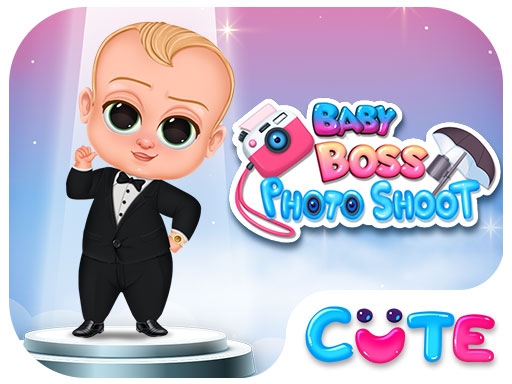
Baby Boss Photo Shoot
Help the baby boss pick the perfect outfit for his big photoshoot in this free dress up game. Try beach, office, hip-hop, and superhero styles — no download.
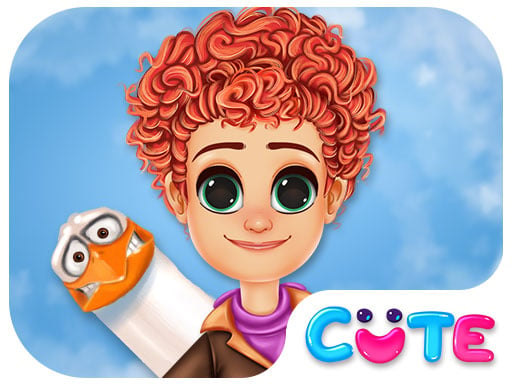
Tulip Back To Home
Help Tulip pack the perfect travel wardrobe in this free dress up game. Try casual, pastel, and denim styles for her journey home. No download needed.
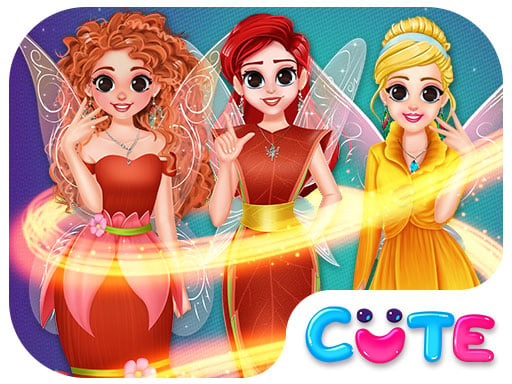
BFF In Fairy Style
Help two BFFs choose fairy outfits and magical wings for a cosplay contest in this free dress up game. Style princess fairies — no download needed.
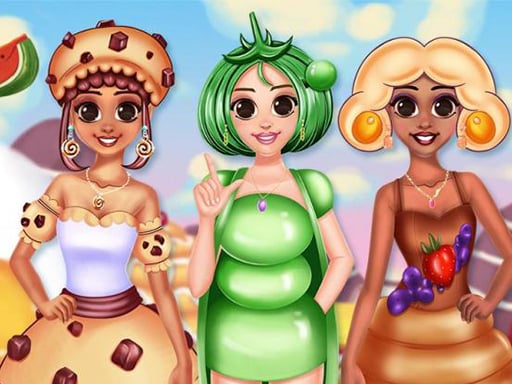
BFF Foodie Cosplay
Dress up BFF princesses as cakes, ice creams, and fruit dishes in this unique free dress up game. Fashion meets food in BFF Foodie Cosplay — play free.
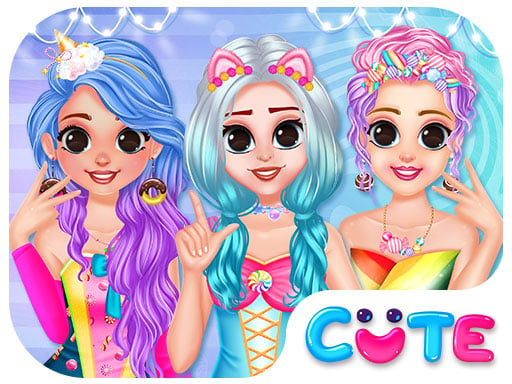
BFF Candy Fever
Style candy-themed outfits for BFF princesses in BFF Candy Fever — a free dress up game with a sweet candy-land twist. No download needed, play free.
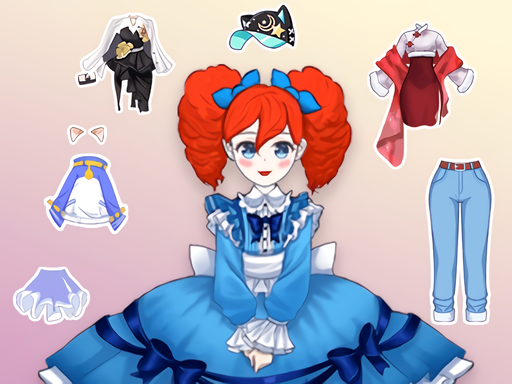
Royal Dream Wedding
Play Royal Dream Wedding free — a dress up game where you design a royal character with custom skin, hair, and outfits. Make your perfect kawaii avatar!
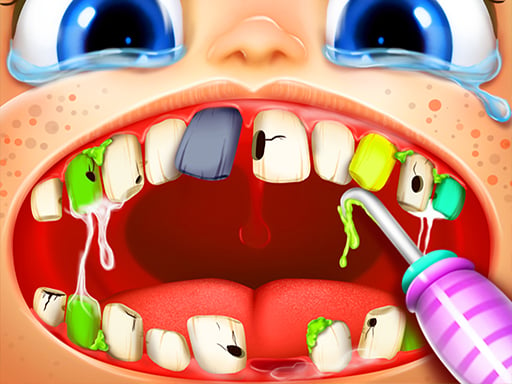
Happy Dentist
Play Happy Dentist free — a fun dentist game where you treat young patients' teeth with the right tools. A cute, kid-friendly game online!
How to Play Fun Colors
Touch or click to draw and color. Select a brush, choose a color from the palette, and paint the page. Upload your own photos for a custom coloring session.
About Fun Colors
Paint, draw, and color your way through a wide variety of pages with an endless palette and a range of brushes to choose from. Fun Colors includes a drawing mode alongside its coloring pages, and you can upload your own images or photos to color in as well. Switch the interface to night mode when you need a break from the bright screen. When your artwork is finished, save it to your device or send it to print right from the game.
Fun Colors is a free Pastel Gacha game you can play in your browser. Tagged animal, cars, color, coloring.
Frequently Asked Questions
Can I color my own photos in Fun Colors?+
Yes — the game includes an option to upload your own images and photos to use as custom coloring pages.
Is there a drawing mode or only coloring pages?+
Both are available. You can use pre-made coloring pages or switch to free drawing mode with brushes and the full color palette.
How do I save my artwork?+
You can save your finished artwork directly to your device or send it to print without leaving the game.